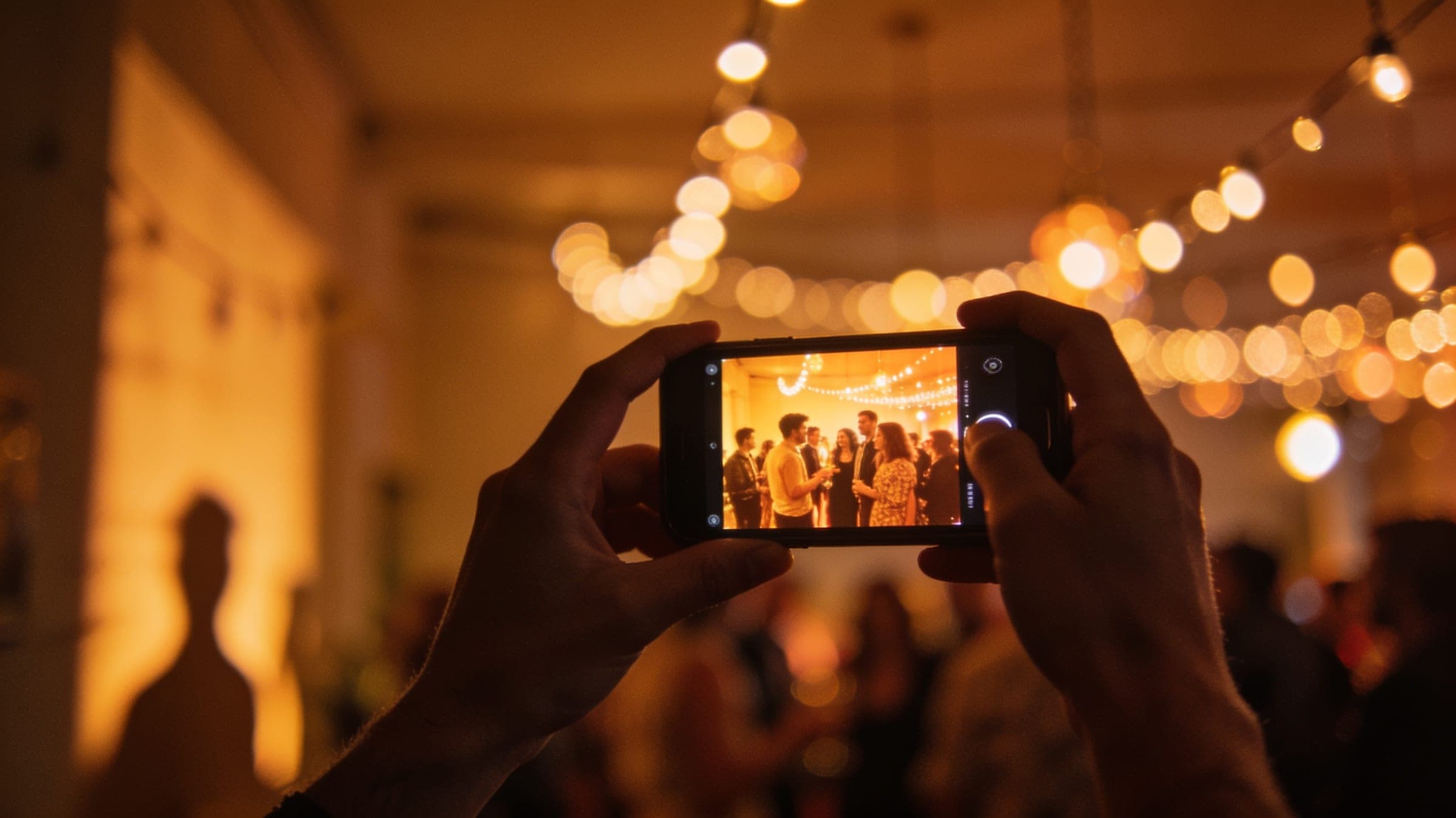
You only saw it from where you stood.
Bring together photos from the people who were there. Golden Hour helps you find yourself in the crowd and see the moments you missed.
Bring the photos together. Help everyone find theirs.
Create your event.
Add the details and get a link and QR code to share.
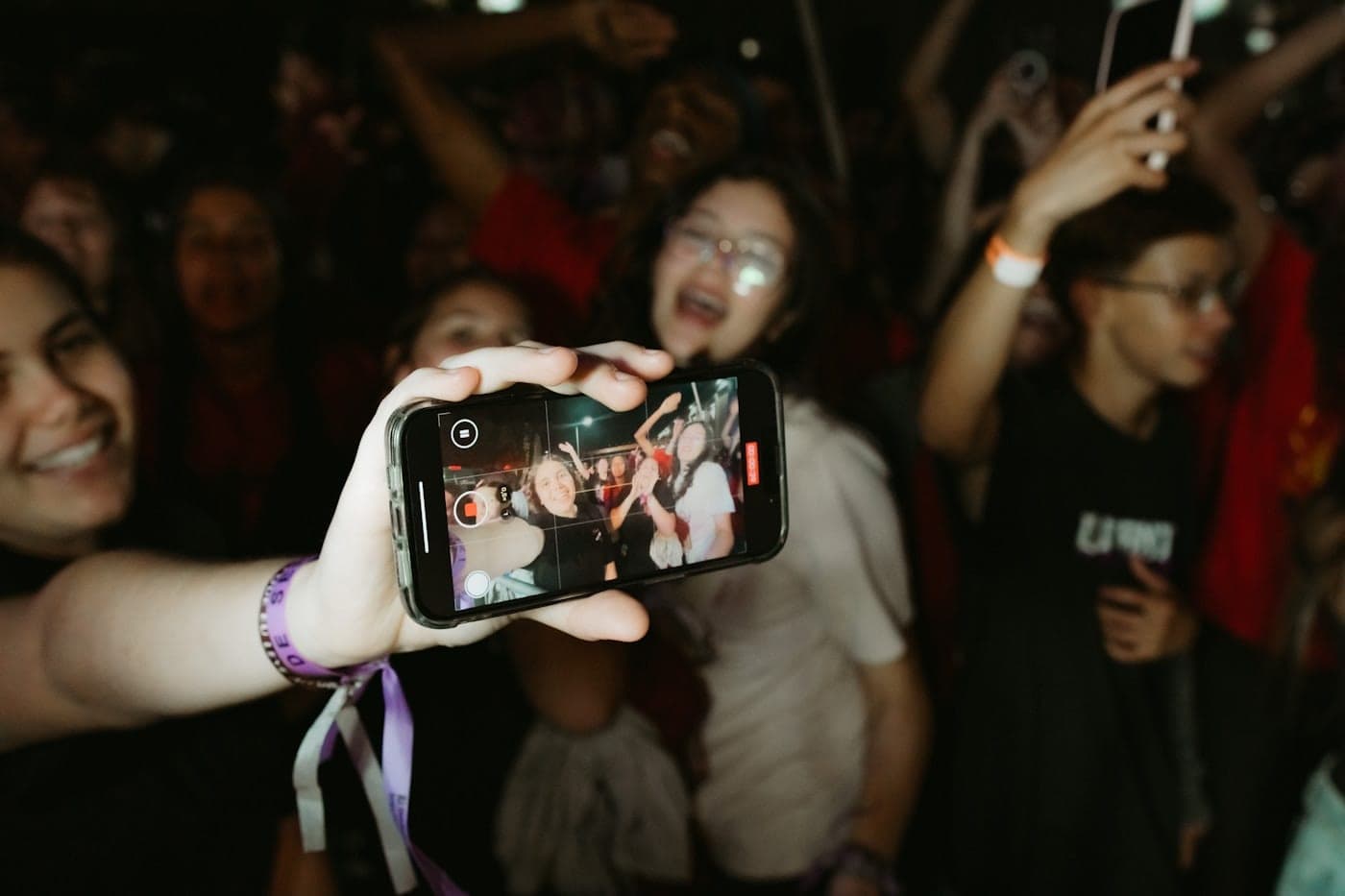
Everyone joins on their phone.
Scan the code, then sign in. If the event uses face matching, you’ll take three guided selfies.

Find your photos.
As photos are uploaded and matched, the ones you’re in appear in your personal gallery when sharing opens.
One event. A gallery for each person.
Each person can quickly find the moments they were part of, without searching through every photo from the event.



Press and hold here
Wherever people come together.
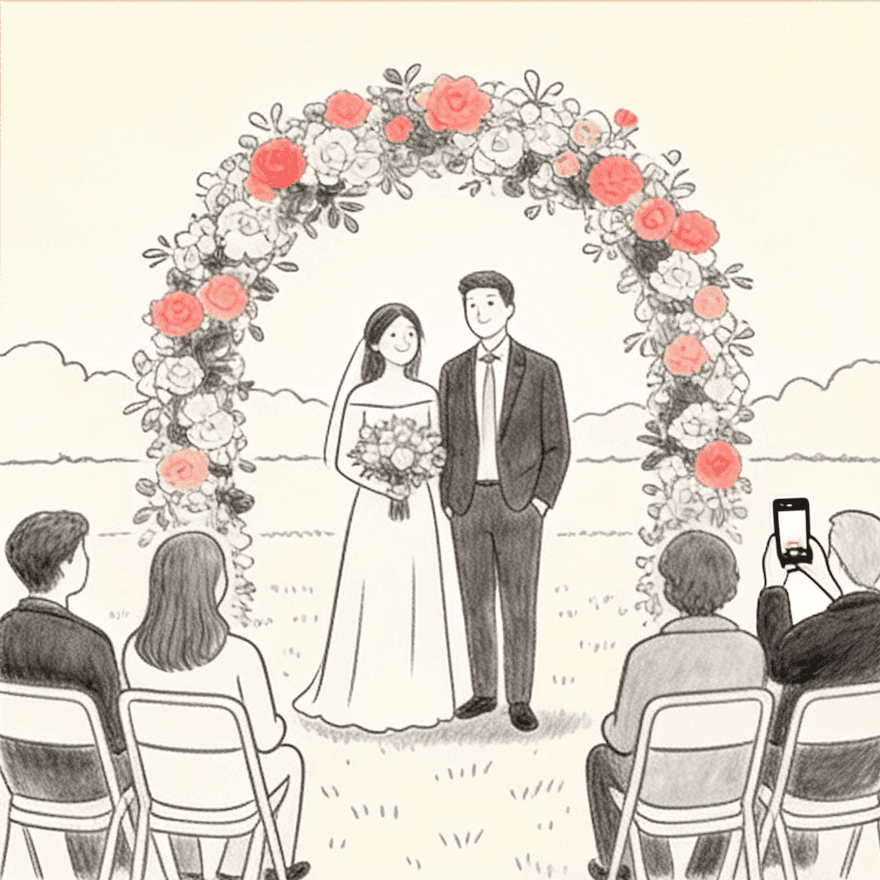
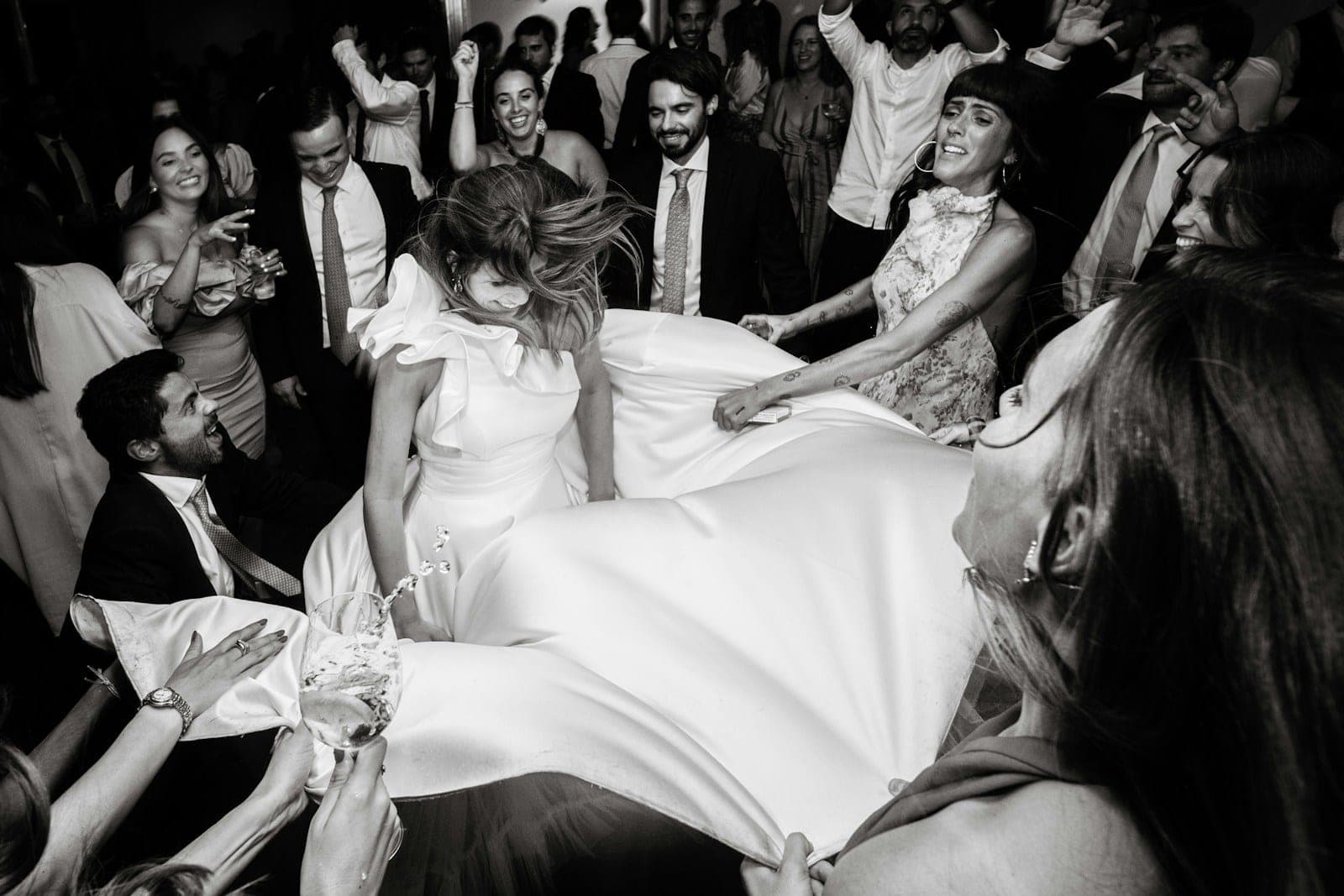
Wedding
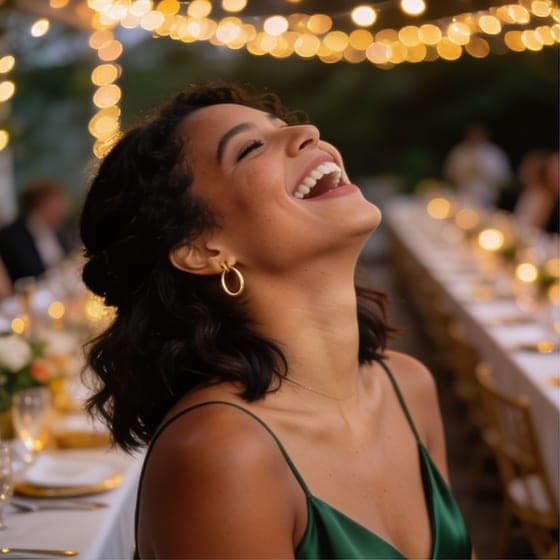
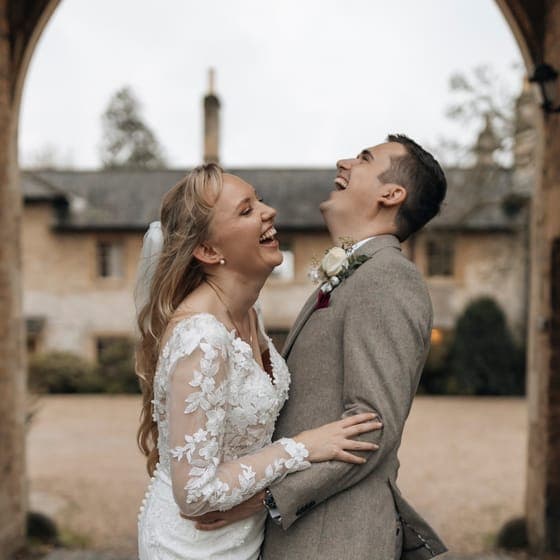
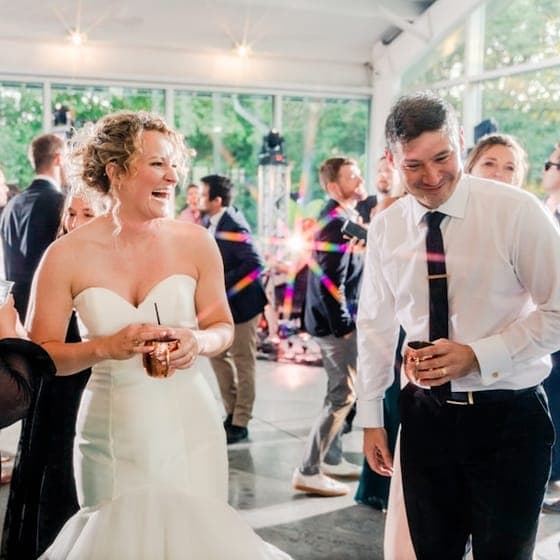
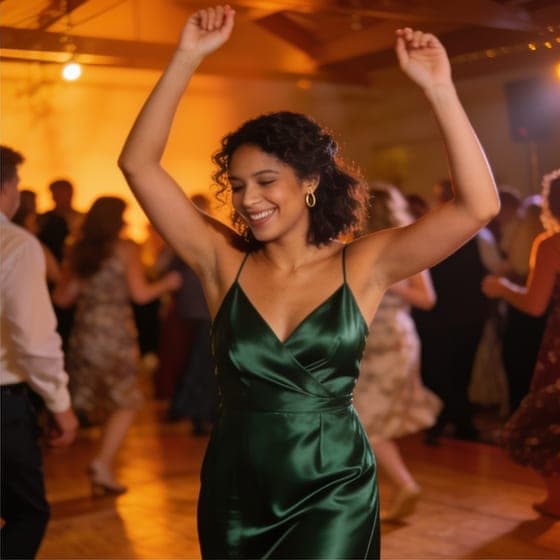
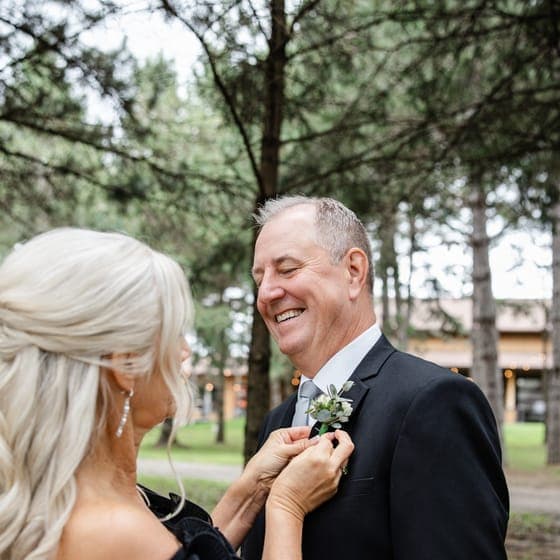
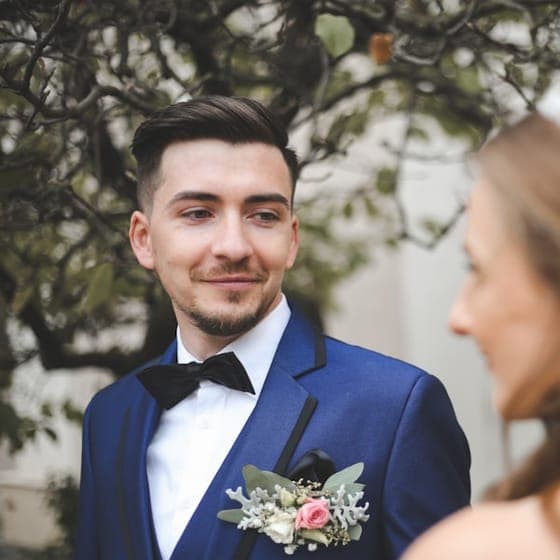
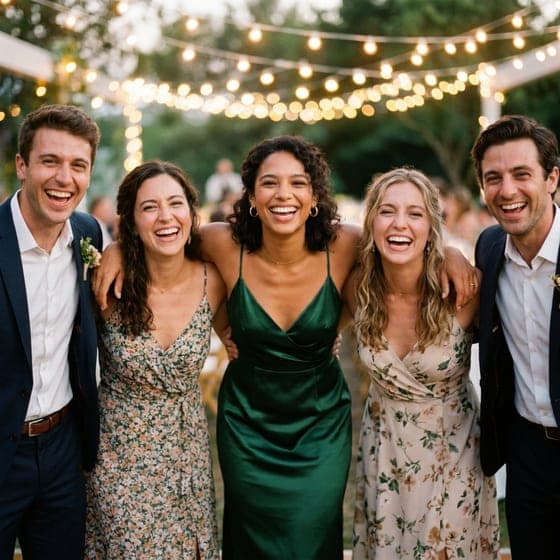
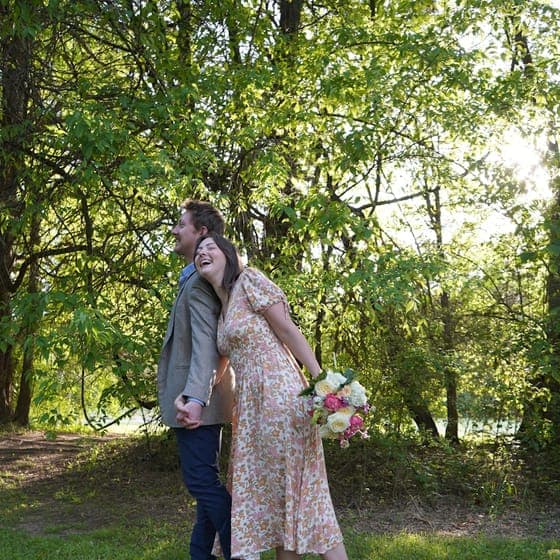
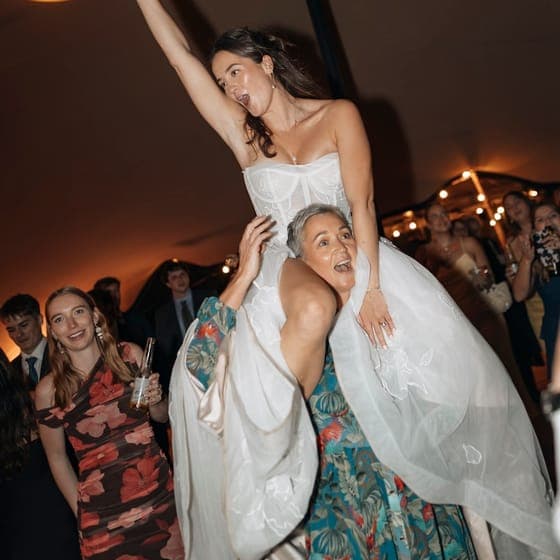
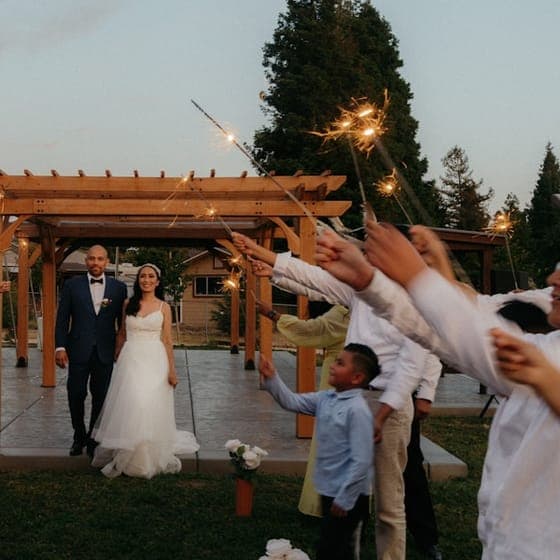
The dance-floor photos. The family hugs. Bring everyone’s wedding photos together.
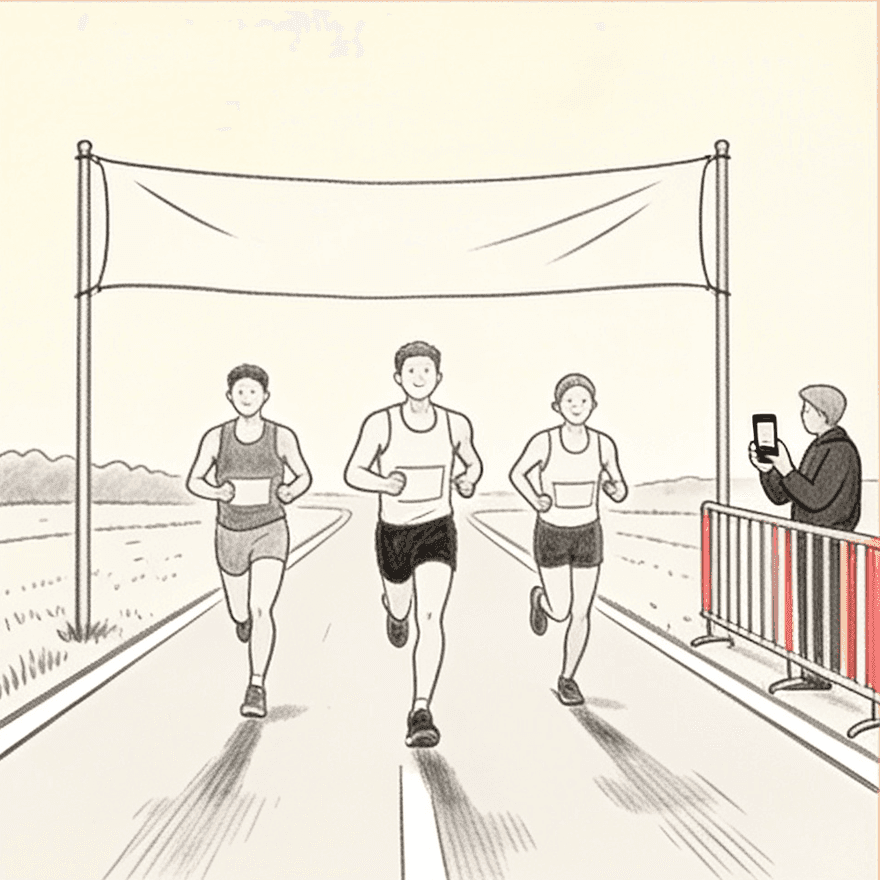
Race
Help runners find their finish-line moment among the race-day photos.
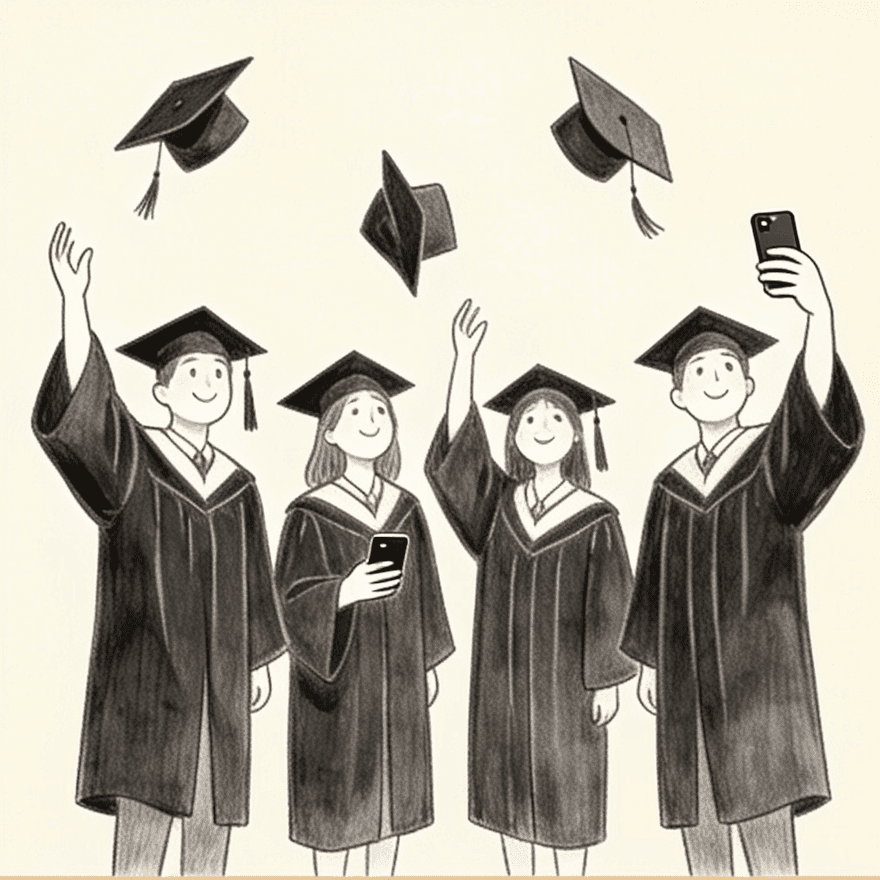
Graduation
From the walk across the stage to the family photos afterwards, help graduates find their moments.
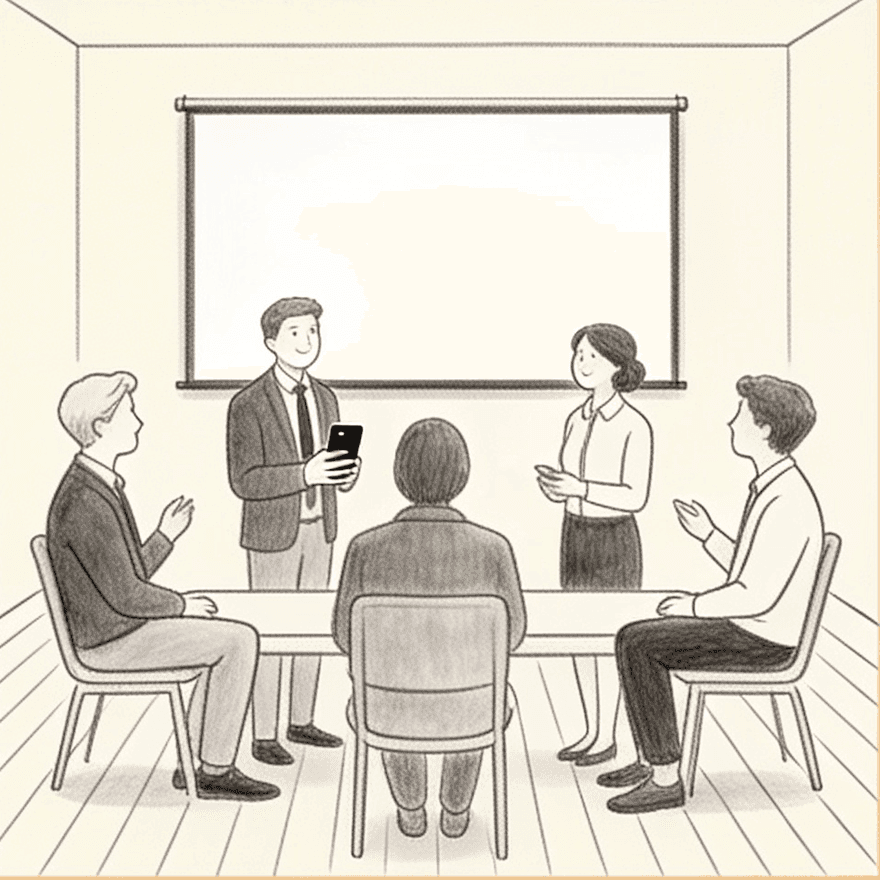
Corporate event
Bring the team’s event photos together, with sharing settings you control.
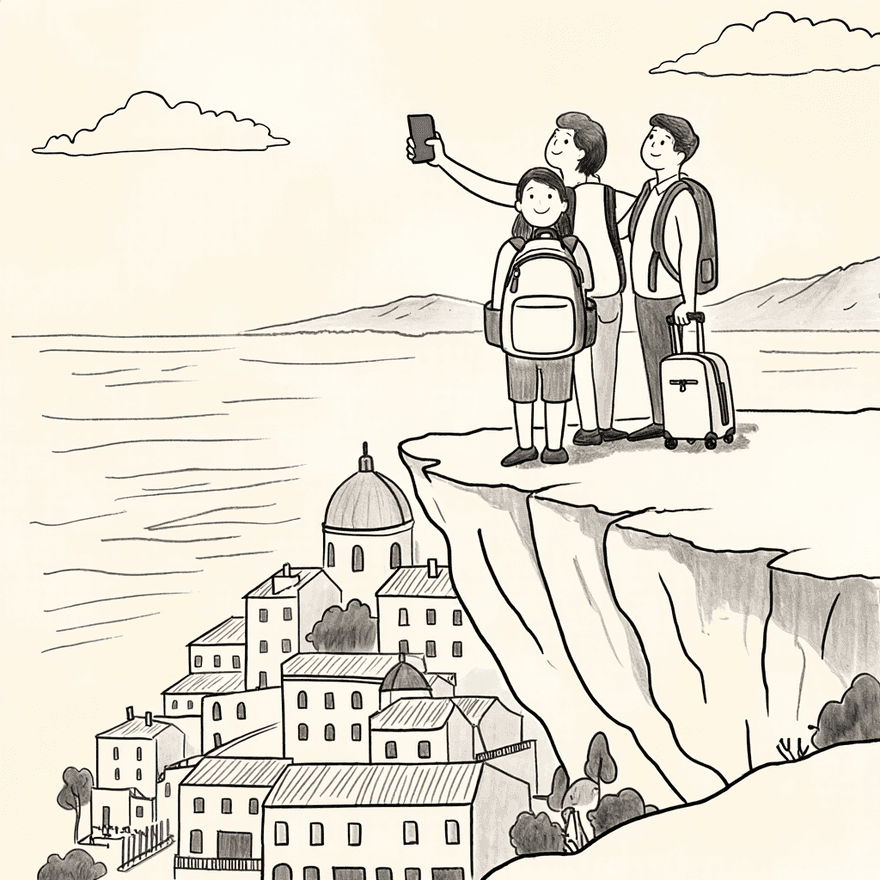
Trip
Everyone took photos. Bring them together and find the ones you’re in.
Know what’s shared. Choose what’s yours to control.
Your event’s settings determine who can see photos. You can manage face matching, choose whether your uploads appear in the shared gallery and request deletion from your privacy settings.
Give your next event a place for its photos.
Create your event, share the code and bring the photos together.